Sale!

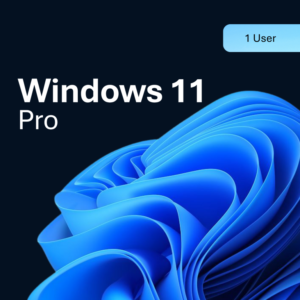
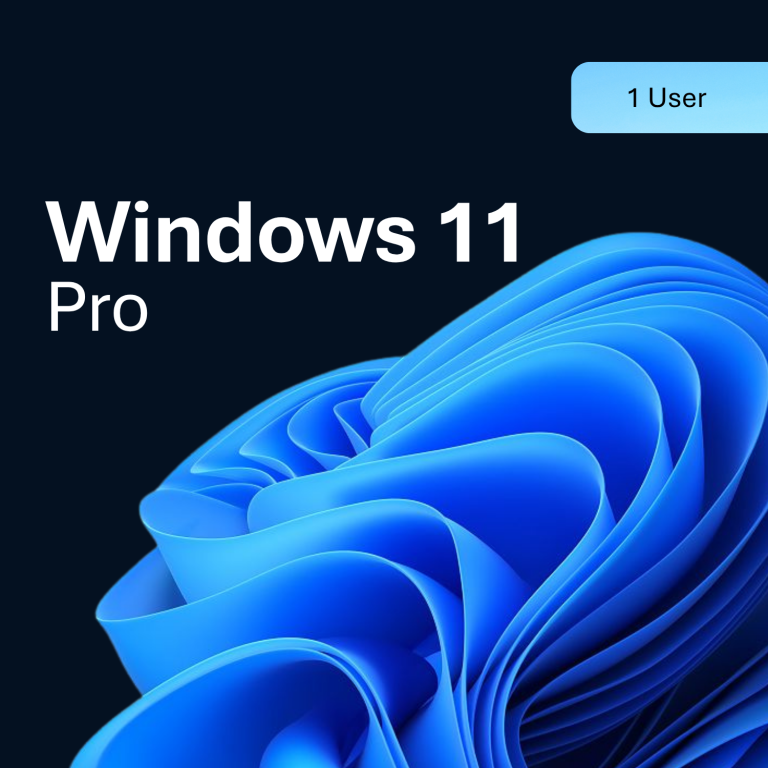
Windows 11 Pro

Original price was: $100.00.Current price is: $14.00. Save 86%

  • ✓ Product key with official download
  • ✓ Lifetime access – no subscription required
  • ✓ Upgrade from Windows 11 Home to Pro supported
  • ✓ Valid for one device / one user
Guaranteed Safe Checkout
WorldwideWorks in every region
Instant deliveryKey emailed within minutes
Genuine licenseVerified activation key
Important notice

This is a genuine digital license key delivered by email, not a physical product. Activation happens directly through the publisher's own account or setup page, and the key stays tied to it afterward.

⚡ Sale price ends today — don't miss out
00Hours
:
00Mins
:
00Secs

Key Features:

  • Product key with official download
  • Lifetime access – no subscription required
  • Upgrade from Windows 11 Home to Pro supported
  • Valid for one device / one user

Buy Windows 11 Pro


The new Windows 11 – Buy Microsoft Windows 11 Pro Product key cheaply to save both time and money! If you have already installed Windows 11, you do not need to reinstall and can permanently activate your existing operating system with our key code . Our original keys can also be easily used for reinstalling and upgrading from Windows 10 to Windows 11 and also for upgrading from the Home Edition to the Pro Edition. Upgrading from Windows 10 to Windows 11 can be easily done without a reinstallation and therefore without data loss. Thanks to our detailed PDF instructions, an upgrade is possible within minutes without data loss and without reinstalling. Our lightning shipping guarantee: We send the key immediately by email . You also get access to the .iso file and the MediaCreationTool in our Download Center and can also simply download the software directly from the manufacturer.


Is the Windows 11 worth it?

Yes, buying a Windows 11 product key is definitely worth it. It’s true – Microsoft actually has strict requirements for the new Windows 11. Nevertheless, Windows 11 can now be installed on all old devices without a TPM. The instructions for this come directly from the manufacturer Microsoft and are also easy for IT beginners. All you need is a bootable USB stick, which you can purchase in our online shop at a reasonable price. If you have any questions or difficulties, you will immediately receive free remote support from our trained service team.


New features in Windows 11

Easily access all the apps you need and multitask with tools like snap layouts, desktops, and a new, more intuitive redocking experience.


New ways to connect

Connect with the people you care about right from your desktop with Microsoft Teams. Call or chat for free – no matter what device you’re using.


Your content, curated by you

With Microsoft Edge and a variety of widgets to choose from, you can quickly stay up to date on news, information and entertainment. Easily find the apps you need and the shows you love watching in the new Microsoft Store.

Playtime. At any time.

Windows 11 takes gaming to a whole new level with graphics capabilities that rival reality. Discover your next favorite game with Xbox Game Pass, giving you access to over 100 great games (membership sold separately).


What is the difference between Windows 10 and Windows 11?

Windows 11 offers all the performance and security of Windows 10 with a redesigned and updated look. It also includes new tools, sounds and apps. Every detail has been taken into account. All of this comes together to give you a refreshing experience on your PC.


A PC for all of us

The new Windows is available on a wide range of devices from our partners, who offer you the latest innovations in touch, pen and voice. This makes it easy for you to find the best and most cost-effective device for you.
 

Windows 10/11 (most editions in this category):

  • Processor: 1 GHz or faster, 2 or more cores, 64-bit compatible
  • RAM: 4 GB or more
  • Storage: 64 GB or larger
  • Graphics: DirectX 12 compatible with WDDM 2.0 driver
  • Firmware/TPM: UEFI, Secure Boot capable, TPM 2.0 (Windows 11 only)

Older editions (e.g. Windows 7/8.1) or Server products have lower and different requirements - check the exact edition in the title above and Microsoft's official requirements page.

  • Delivery: your key is emailed to the address used at checkout, typically within minutes.
  • Activation: open the software, choose "Activate" or "Enter product key", and paste the key you received.
  • Support: contact us if you run into any activation issue and we will help you resolve it.

Reviews

There are no reviews yet.

Be the first to review “Windows 11 Pro”

Your email address will not be published. Required fields are marked *

Ready in minutes

How it works

From payment to an activated license in four simple steps.

Delivered in seconds
KodeLicense Your license key · just now
Software License
License key XXXXX-XXXXX-XXXXX-XXXXX
Activate now
Genuine license

Purchase

Choose your product and check out securely.

Receive your key

Your license key is emailed to you, typically within minutes.

Install

Download the software from the official source if it is not already on your device.

Activate

Enter the key when prompted and you are all set.

Need to know

Frequently asked questions

Quick answers about pricing, delivery, and activation.

Why are your prices so much lower than retail?

Every product here is delivered as a digital license key, so there is no packaging, warehousing, or shipping involved, and we buy in volume. That lets us pass the savings on to you without cutting any corners on the key itself.

Are the license keys genuine?

Yes. Every key we sell is a genuine, authorized license.

How fast will I get my key?

In most cases within minutes of payment. It is sent by email. There is nothing to post and nothing to wait on.

Is this a one-time purchase or a subscription?

Unless the product title says otherwise (for example, a labelled subscription product), our keys are a one-time purchase: you activate once and the license is yours to keep.

What if I have trouble activating my key?

Get in touch through our Contact page with your order details and we will help you get it activated.

What is your refund policy?

We stand behind every key. If yours is invalid, you were charged twice, or you change your mind before activating within 24 hours of purchase, we will make it right — see our Refund and Returns Policy for the full details.

Shopping Cart
Windows 11 ProWindows 11 Pro
Original price was: $100.00.Current price is: $14.00. Save 86%
Scroll to Top