
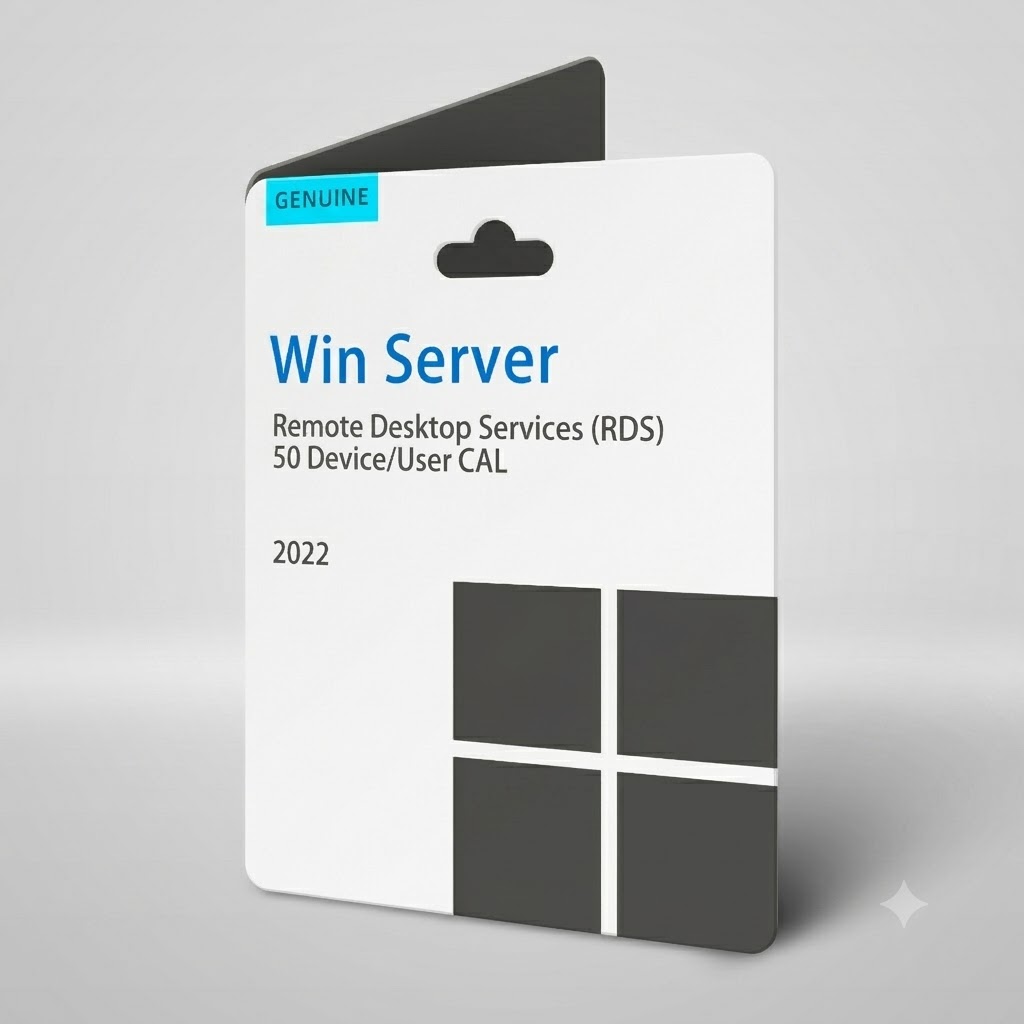
Key Features:
- Platform: Microsoft
- RDS 50 User CAL – Lifetime
- One-time activation
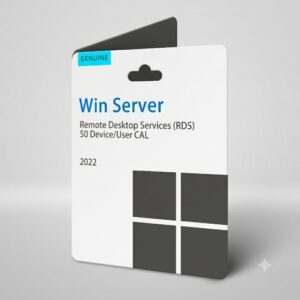
Windows Server 2022 RDS 50 User CAL
Microsoft Windows Server 2022 prepares you for tomorrow while delivering the security, performance, and flexibility you need today. Be more productive with easier networking, faster storage, and hybrid cloud capabilities that adapt to your needs. Get ahead of what’s next with forward-looking security, and AI-ready compute.
Key Features:
- Hybrid: Adapt quickly across hybrid, cloud and on-premise. Easier to connect to Azure Arc to bridge on-premises and cloud-based servers. Deliver Azure capabilities to your on-premises servers.
- Security: Hardware and software-level security to deter cyberattacks; next-generation Active Directory that improves security and scalability. Enable a tailored security baseline and configure drift protection from the start.
- Modern, future-ready platform: Windows Server 2025 is now easier to upgrade and scale, with better-than-ever app compatibility. Windows Server 2025 desktop brings a consistent client and server UI experience, plus conveniences like WiFi and Bluetooth.
- Performance: Faster and easier networking and storage; live hotpatching for reduced downtime; GPU partitioning for inferencing at the edge. Improvements in flash-based storage make Windows Server an even better platform for SQL Server.
Hardware requirements for Windows Server
CPU
Processor performance depends not only on the clock frequency of the processor, but also on the number of processor cores and the size of the processor cache. The following are the processor requirements.
Minimum:
- 1.4 GHz 64-bit processor
- Compatible with x64 instruction set
- Support for NX and DEP
- Support for CMPXCHG16b, LAHF/SAHF, and PrefetchW instructions
- Support for Second Level Address Translation (EPT or NPT)
RAM
The following are the estimated Random Access Memory (RAM) requirements for this product.
Minimum:
- 512 MB for Server Core
- 2 GB for Server with Desktop Experience
- ECC (Error Correcting Code) type or similar technology for physical host deployments
Important
Attempting to install Windows Server in a virtual machine configured with the minimum supported hardware parameters (1 processor core and 512 MB RAM) will result in a failed installation.
To prevent this issue, perform one of the following:
- Allocate more than 800 MB RAM to the virtual machine on which you intend to install this release. Once the setup has completed, you can change the allocation to as little as 512 MB RAM, depending on the actual server configuration. If you’ve modified the boot image for the setup with addition languages and updates, you may need to allocate more than 800 MB RAM in order to complete the installation.
- Interrupt the boot process of this release on the virtual machine with the keyboard combination SHIFT+F10. In the command prompt that opens, use diskpart.exe to create and format an installation partition. Run wpeutil createpagefile /path=C:pf.sys (assuming the installation partition you created was C:). Then close the command prompt and proceed with the installation.
STORAGE
Computers that run Windows Server must include a storage adapter that is compliant with the PCI Express architecture specification. Servers classified as hard disk drives must not use Parallel Advanced Technology Attachment (PATA) for persistent storage devices. Windows Server also doesn’t allow PATA, Advanced Technology Attachment (ATA), Integrated Drive Electronics (IDE), and Enhanced Integrated Drive Electronic (EIDE) for boot, page, or data drives.
The following are the estimated minimum disk space requirements for the system partition.
Minimum:
- 32 GB of space
Note
Be aware that 32 GB should be considered an absolute minimum value for successful installation. This minimum should allow you to install Windows Server 2022 or later using the Server Core installation option with the Web Services (IIS) server role. A server in Server Core mode is ~4 GB smaller than the same server using the Server with Desktop Experience installation option.
The system partition will need extra space for any of the following circumstances:
- If you install the system over a network.
- Computers with more than 16 GB of RAM will require more disk space for paging, hibernation, and dump files.
NETWORK
Network adapters used should include these features.
Minimum:
- An Ethernet adapter that can achieve a throughput of at least 1 gigabit per second
- Compliant with the PCI Express architecture specification
A network adapter that supports network debugging (KDNet) is useful, but not a minimum requirement.
A network adapter that supports the Pre-boot Execution Environment (PXE) is useful, but not a minimum requirement.
Reviews
There are no reviews yet.